
In a security overhaul
Facebook users across the Middle East and beyond will soon be able to log into their accounts using passkeys, a digital authentication system designed to replace traditional passwords with a more secure and convenient login method.
According to Meta, Facebook’s parent company, the new feature is expected to roll out on iOS and Android mobile devices in the coming weeks.
The move is part of a broader global shift away from passwords, which are increasingly vulnerable to data breaches, phishing attacks, and other cybersecurity threats. Passkeys enable users to access their Facebook accounts using biometric data, such as fingerprint or facial recognition, or a device-specific PIN. The system verifies a user’s identity directly through their mobile device, reducing the risks associated with stored or reused passwords.
Facebook’s introduction of passkeys is also expected to extend to Messenger in the coming months. Once implemented, users will be able to use the same passkey created for Facebook to log in to Messenger, streamlining authentication across both platforms.
Passkeys are based on a standard developed by the FIDO Alliance, a global industry group focused on replacing passwords with more secure and user-friendly authentication tools. Meta is a member of the alliance, which includes leading technology firms working to enhance online safety.
Unlike passwords, which can be guessed, stolen or intercepted, passkeys are stored securely on a user’s personal device and never shared with Facebook or any external party. This makes them more resilient to standard attack methods such as phishing, credential stuffing, or password spraying—threats that have targeted users across the region in recent years.
Cybersecurity concerns
Cybersecurity remains a growing concern in the Middle East, as digital infrastructure continues to expand and online services proliferate. The UAE and other Gulf nations have invested heavily in securing their digital ecosystems, while public awareness around data protection has increased. Facebook’s move to adopt passkeys aligns with these regional trends, aiming to offer users both convenience and peace of mind.
In addition to account access, passkeys will eventually support other functions on Facebook platforms. This includes securely autofilling payment information when using Meta Pay and protecting encrypted backups in Messenger. These expanded uses are designed to create a seamless digital experience while maintaining high standards of data security.
Setting up a passkey on Facebook will require only a few steps. Users can enable the feature through the Accounts Centre within the app’s settings. Facebook may also prompt users to create a passkey during the login process. Once activated, the passkey remains available for future logins on supported mobile devices.
Meta guarantee
Meta has confirmed that passkey data, including fingerprints or facial scans, is never visible to the company. Instead, this sensitive information remains encrypted and stored only on the user’s device. This ensures that even if the Facebook platform is compromised, passkey credentials remain protected.
Importantly, users who do not have compatible devices or prefer to use passwords will still have access to existing authentication options. The passkey system operates in conjunction with current login methods, providing an additional layer of choice rather than forcing a change.
The integration of passkeys follows a broader industry movement to phase out passwords, which have long been considered a weak link in digital security. Technology companies worldwide are working to implement biometric-based login systems, particularly on mobile devices, where user behaviour is increasingly centred.
Meta’s announcement follows similar updates by other global tech firms, which have also begun rolling out passkey support. Experts suggest that the widespread adoption of this technology may significantly reduce cybercrime associated with compromised login credentials.
For users in the UAE and the broader Middle East, where mobile phone usage is among the highest globally, passkey login may have a particularly significant impact. The region’s high smartphone penetration makes biometric-based login a practical and effective alternative to traditional password systems.
As digital services grow and social media platforms handle increasing volumes of sensitive personal information, secure login methods are becoming more important. With passkeys, Facebook aims to strike a balance between ease of access and enhanced protection, particularly in regions where online threats are becoming increasingly sophisticated.
Meta has not specified an exact release date for the passkey feature but confirmed that users worldwide, including those in the Middle East and Africa, will receive the update soon. Further updates on Messenger integration and expanded passkey functions are expected in the coming months.
Facebook has advised users to visit its Help Centre for more information on how to set up or remove a passkey. The company emphasised that users will retain control over their authentication preferences and can continue using passwords where necessary.
The deployment of passkeys marks one of the most significant changes to Facebook’s login system in recent years, reflecting growing pressure on tech companies to prioritise digital safety. As threats evolve and users demand stronger safeguards, innovations like passkeys may become the new standard for securing personal accounts worldwide, including in the Middle East.
How to set up a passkey on Facebook:
- Open Facebook app or website: Log in to your Facebook account on a supported device (such as a phone or computer with biometric authentication like Face ID or fingerprint).
- Go to Settings: Tap the Menu (three lines) at the top right, scroll down, and tap Settings.
- Access Accounts Center: In Settings, tap Accounts Center, then choose Password and security.
- Select Passkey option: Scroll down and tap Passkey, then tap Create a passkey.
- Follow Setup prompts: You will be guided through the setup process to create the passkey. Facebook will use your device’s native biometric authentication (like Face ID, fingerprint, or device PIN) to complete the process.
- Confirm and finish: Once setup is complete, your passkey is ready! You can now log in without entering your password — use your device’s biometrics.
Ensure your device is up to date and supports passkeys (FIDO2/WebAuthn compatible).
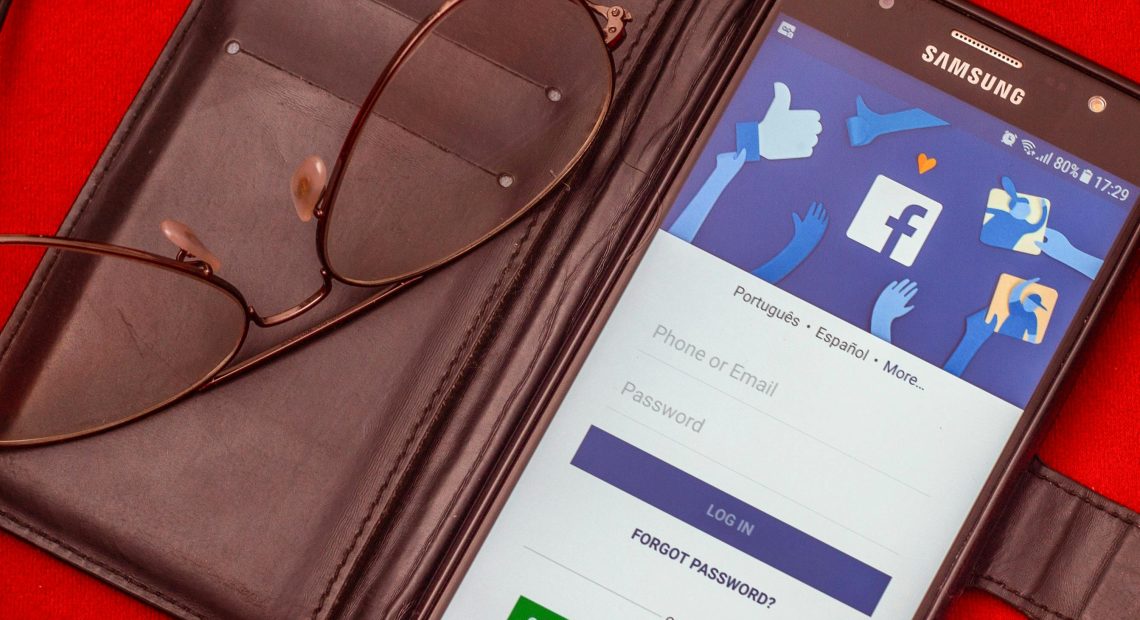
Image: Unlike passwords, which can be guessed, stolen or intercepted, passkeys are stored securely on a user’s personal device and never shared with Facebook or any external party. Credit: Anderson Guerra