
For security and privacy concerns
As concerns over home security and digital privacy grow across the Middle East and Africa, security experts are urging residents to take steps to reduce their online visibility. One lesser-known but effective method is to request that Google blur a house on Street View.
Street View, a feature of Google Maps, provides panoramic images of streets and buildings in cities worldwide. While this can be useful for navigation and tourism, it also raises privacy concerns, especially in areas where cultural norms place a high value on family and home privacy.
In the UAE and neighbouring Gulf states, where social customs often favour discretion in public exposure, the ability to remove one’s home from online visibility is particularly relevant.
For home security reasons, residents may wish to prevent outsiders from seeing property details, security systems, or identifying family locations, especially in private residential compounds.
Google allows individuals to request the blurring of homes, faces, and licence plates. Once blurred, the image becomes permanently obscured. The process is free and does not require legal intervention.
How to guide
To begin, users should access Street View via desktop. After locating their home on Google Maps, they must drag the yellow figure icon onto the map to enter Street View mode. From there, the user can navigate to the exact view of their house.
Clicking “Report a problem” in the bottom-right corner of the screen opens a form. This allows the user to request image blurring. It is necessary to adjust the red box to cover the exact part of the image that is to be blurred.
Users must then select “My home” as the blur target and provide additional information, including the reason for the request.
After submitting, Google may follow up via email to confirm the request. If approved, the blur is applied within several days. Google does not allow users to reverse the blur once it has been implemented.
This feature is not limited by geography. Whether in Dubai, Cairo, Nairobi or Lagos, anyone with access to Google Maps can submit a request.
However, the effectiveness of the blur depends on the availability of Street View in the user’s location. While Street View coverage has expanded in several parts of Africa and the Middle East, it remains limited in some areas due to regulatory restrictions or low demand.
Although the process is straightforward, it has implications. Blurring a property may hinder visual navigation for guests or delivery services. Some real estate professionals also caution that obscured images could negatively impact the online visibility of listed properties.
Still, for those who prioritise privacy, especially in high-profile or sensitive neighbourhoods, the trade-off may be worth it. As more regional governments emphasise digital safety and personal rights, the ability to control online visibility is becoming a key issue for residents.
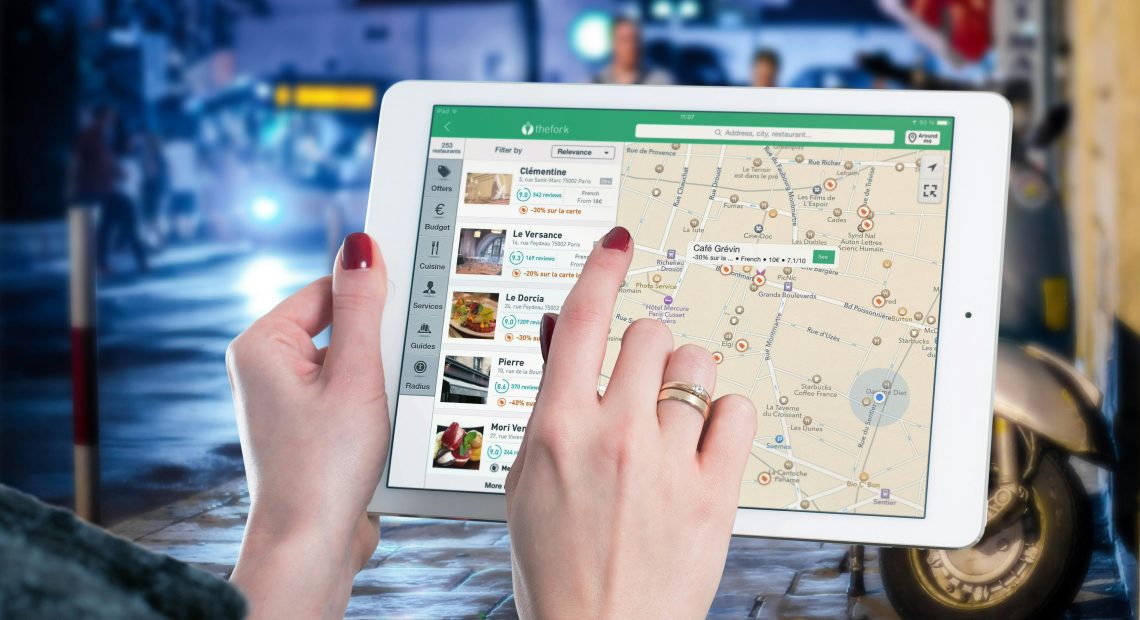
Image: Google allows individuals to request the blurring of homes, faces, and licence plates on Street View. Credit: Pixabay